Restarting 30 Devices One by One? There Has to Be a Better Way | Device Management
"Have you tried restarting it?"
It is one of the first questions people hear when a device starts behaving strangely.
The screen is frozen.
An application is not responding.
The device feels unusually slow.
A connection is not working properly.
An update is waiting to be completed.
Sometimes, the simplest solution is to restart the device.
For a single computer or smartboard, restarting is easy. But what happens when an organization has 20, 50, or 100 connected devices across classrooms, meeting rooms, offices, or different locations?
Suddenly, a simple restart becomes an IT management task.
And that is where the real challenge begins.
Why Do Devices Need to Be Restarted?
Restarting a device may seem like a basic troubleshooting step, but it serves an important purpose.
A device is constantly running applications, processes, services, network connections, and background tasks. Over time, something may stop working as expected.
→ An application may become unresponsive.
→ A process may get stuck.
→ The system may become sluggish.
→ A connection may behave unexpectedly.
→ An update may require a reboot before it can be completed.
Restarting gives the device an opportunity to start its operating environment again from a clean state.
In other situations, restarting is not simply troubleshooting—it is part of the normal update process. Some operating system updates require a restart before the changes can be fully applied.
So while "restart the device" sounds simple, it can be an important part of keeping devices operational.
Common Situations Where a Restart May Be Needed
There are several scenarios where an IT administrator may need to restart a smartboard or connected device.
1. The Device Becomes Unresponsive
One of the most familiar problems is a frozen or unresponsive device.
The screen may stop responding to touch.
An application may stop working.
A presentation may become stuck.
The system may no longer respond normally.
A restart can be one of the troubleshooting steps used to restore normal operation.
2. The Device Becomes Slow
Devices can sometimes become sluggish after prolonged use or when applications and processes are running in the background.
Instead of spending time immediately investigating every minor performance issue, restarting may be an appropriate first troubleshooting step.
3. An Application Stops Responding
A specific application may freeze while the rest of the device continues functioning.
Restarting the device can help return the system to a fresh operating state and may resolve temporary software issues.
4. Connectivity Problems Occur
A device may experience temporary issues with network or peripheral connections.
Depending on the cause, restarting the device may help re-establish certain system processes or connections.
Of course, a restart is not a solution for every connectivity problem. Persistent network or hardware issues still require proper troubleshooting.
5. Software Updates Need to Be Applied
Software updates can introduce security improvements, bug fixes, performance improvements, and new functionality. Some updates require the device to restart before installation can be completed.
For IT teams managing a fleet of devices, this means restarting can become a regular administrative requirement—not just something done when a device freezes.
Restarting One Device Is Easy. Restarting 30 Is Not.
Imagine an organization has 30 smartboards across different classrooms.
The IT administrator receives reports that several devices are experiencing issues.
Maybe:
- 5 smartboards have become unresponsive
- 3 require a restart after an update
- 2 are experiencing temporary software issues
- several others need to be rebooted as part of routine maintenance
A restart may take only a few moments. The challenge begins when the same action needs to be performed across multiple devices.
Instead of resolving one issue, the IT administrator now has to identify each affected smartboard, access the device, initiate the restart, wait for it to come back online, and move on to the next one. A simple troubleshooting step has now become a repetitive administrative task.
And the problem becomes even more significant when those 30 smartboards are not sitting in the same room.
The Bigger Problem: Devices Are Distributed Everywhere
Modern organizations rarely keep all their technology in one place.
A school may have smartboards across:
- Classrooms
- Laboratories
- Lecture halls
- Staff rooms
- Training rooms
A business may have interactive displays across:
- Meeting rooms
- Boardrooms
- Training spaces
- Collaboration areas
- Multiple office floors
- Different branches
This means that a simple restart can become a physical task.
An IT administrator may know exactly which devices need attention—but still have to access them individually.
That's the pain point.
The IT team knows what needs to be done. The problem is having to do it one device at a time.
Why Remote Device Management Matters
This is why remote device management is becoming increasingly important for organizations with large device fleets.
Instead of managing every device individually, IT administrators can use a centralized platform to manage connected devices remotely.
The advantage is particularly clear when the same action needs to be performed across multiple devices.
How IMAGO Proctor Simplifies Multi-Device Restarts
This is where IMAGO Proctor can help.
IMAGO Proctor provides IT administrators with a centralized platform for managing connected devices.
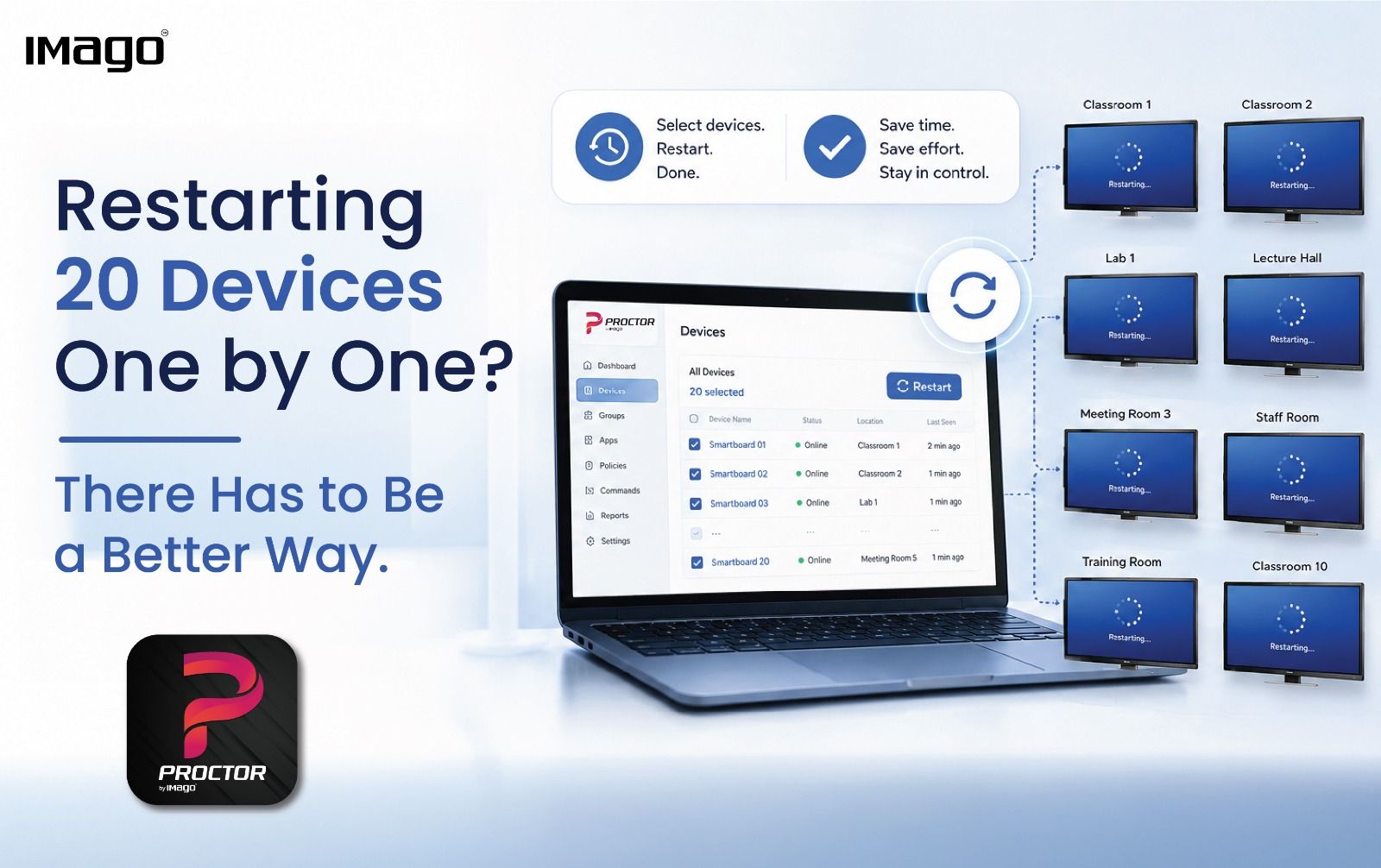
For situations where multiple devices require a restart, administrators can select multiple devices and initiate the restart from the central platform.
The workflow is straightforward:
Select the devices → Restart → Done.
Rather than accessing each smartboard individually, the administrator can perform the same action across multiple selected devices.
This can be particularly useful when devices are:
- Located across different classrooms
- Distributed across multiple meeting rooms
- Deployed across different departments
- Installed across multiple floors or locations
The result is a more efficient approach to routine device maintenance—with fewer manual interventions, less repetitive work, and greater control over a growing device environment.
Ready to simplify the way you manage your connected devices?
Contact us today to learn more about IMAGO Proctor and our smart solutions: https://imago.us/contact-us/
Frequently Asked Questions
Why do smartboards need to be restarted?
Smartboards may need to be restarted when they become unresponsive, experience temporary software or performance issues, or require a reboot to complete certain updates. Restarting is a common troubleshooting step for some device and operating-system problems.
Can multiple smartboards be restarted at the same time?
With a device management platform that supports multi-device actions, IT administrators can select multiple devices and initiate supported actions collectively. IMAGO Proctor provides this capability for restarting multiple managed devices.
How does IMAGO Proctor help with device restarts?
IMAGO Proctor allows IT administrators to select multiple devices and restart them together from a central platform, reducing the need to perform the same restart process individually across multiple devices.
Who can benefit from remote device management?
Schools, universities, businesses, training centres, and other organizations managing multiple connected devices can benefit from centralized remote device management, particularly when devices are distributed across multiple rooms or locations.