Why Is Your Electronic Gadget Battery Draining So Fast? 6 Hidden Reasons You Might Be Missing
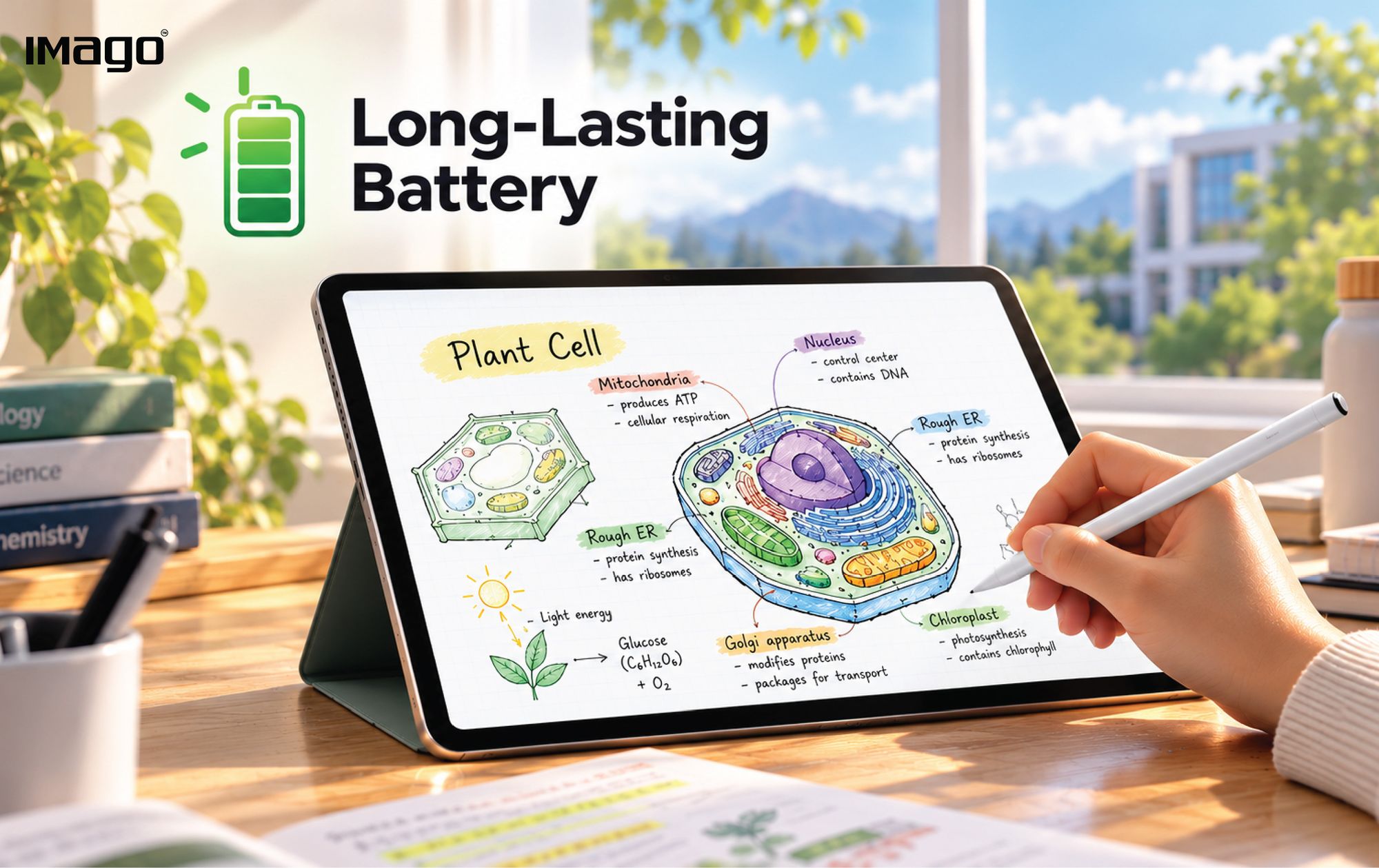
Have you ever charged your tablet or smartphone to 100%, only to find the battery running low before the day is over?
Whether you're using a tablet for studying, a smartphone for work, or a laptop for meetings, fast battery drain can be frustrating. But it isn't always a sign that your battery is faulty. Battery consumption depends on several factors, including screen brightness, app activity, device temperature, and the condition of the battery itself. Understanding these factors can help you identify what's using your power and make more informed decisions about your device.
Let's explore six scientifically supported reasons why your gadget's battery may drain faster than expected.
1. Your Screen Is Using More Power Than You Think
Your screen is one of the components that can contribute significantly to a device's power consumption. Higher screen brightness generally requires more power. When you use your tablet outdoors or in a brightly lit environment, you may increase the brightness to make the display easier to see. Over time, this can contribute to faster battery drain.
What you can do:
- Adjust screen brightness to suit your surroundings.
- Use automatic brightness if it works well on your device.
- Set your screen to turn off after a shorter period of inactivity.
2. Some Apps Require More Power Than Others
Not every app uses the same amount of energy. Apps can consume power through processing, screen activity, network connections, location services, and background tasks. Activities such as gaming, video playback, and video calls can place greater demands on a device than some lighter tasks.
Background activity can also contribute to battery consumption. For example, apps may continue synchronizing information, fetching emails, or updating content when you're not actively using them.
What you can do:
- Check your device's battery usage settings to identify power-hungry apps.
- Restrict unnecessary background activity where appropriate.
- Update apps and operating system software.
- Close or limit apps that you identify as consuming excessive power.
Rather than assuming every app is draining your battery, use your device's battery report to identify the actual contributors.
3. Heat Can Affect Battery Performance and Lifespan
Have you noticed your phone or tablet getting warm while charging, playing games, or running demanding applications?
Some heat is a normal result of device operation. However, excessive heat is important because it can affect both immediate performance and long-term battery health.
Research published in Physical Chemistry Chemical Physics explains that temperature is one of the external factors influencing lithium-ion battery degradation. Elevated temperatures can accelerate chemical processes that reduce battery performance over time.
Heat can also accompany activities that consume considerable power, such as processor-intensive tasks.
What you can do:
- Avoid leaving your device in a hot car or direct sunlight for extended periods.
- Keep the device's ventilation unobstructed where applicable.
- Use compatible charging accessories.
- If your device becomes unusually hot, stop demanding activities and follow the manufacturer's safety guidance.
Protecting your device from excessive heat is not just about reducing today's battery drain. It can also help preserve battery health over time.
4. Your Battery Is Getting Older
A battery that once lasted throughout the day may eventually need recharging more frequently. This happens because rechargeable batteries undergo chemical and physical changes as they age. For lithium-ion batteries, repeated use and storage conditions can gradually reduce the amount of energy the battery can store.
It is important to distinguish between two situations:
- Battery drain: Your device is consuming energy during use.
- Battery degradation: The battery's ability to store energy has declined over time.
These problems can produce similar symptoms, but their causes are different.
What you can do:
- Check whether your device provides a battery health report.
- Follow the manufacturer's charging and temperature recommendations.
- Seek professional support if the battery drains unusually quickly, swells, or shows other signs of damage.
No rechargeable battery retains its original capacity indefinitely. The goal is to understand its condition and use it appropriately.
5. Your Device May Be Working Harder Than You Realize
A device can consume more energy when multiple processes operate at the same time. For example, you might be attending a video call while synchronizing files, downloading documents, and running other applications. These activities can involve processing, display use, and network communication.
What you can do:
- Turn off connections you genuinely don't need.
- Download essential documents before travelling when practical.
- Use battery-saving mode when you need to conserve power.
- Review background syncing and location permissions.
Small adjustments can help, especially when your device is already handling several demanding tasks.
6. Your Battery Percentage Doesn't Tell the Whole Story
Seeing your battery drop from 100% to 80% real quick doesn't necessarily mean something is wrong. Battery percentage indicates the device's estimate of its remaining charge. How quickly that percentage falls depends on current power consumption and the amount of usable capacity available in the battery.
For example, a device performing demanding tasks may lose charge faster than one being used for lighter activities. An older battery with reduced capacity may also reach a low charge sooner because it stores less energy than it did when new. This is why battery percentage alone cannot tell you whether your battery is healthy.
What you can do:
- Compare battery usage under similar conditions rather than drawing conclusions from a single session.
- Check battery usage reports and battery health information where available.
- If drain becomes sudden or unusually severe, investigate recent app updates, software changes, and possible hardware problems.
Understanding the difference between normal power consumption and reduced battery capacity can help you avoid unnecessary worry and identify when a device needs attention.
Simple Habits to Help Manage Battery Drain
You don't need to change every setting on your device to start managing battery consumption. Begin with these practical steps:
- Adjust your screen brightness. Use a comfortable level rather than maximum brightness all day.
- Review your apps. Check which applications use the most power and limit unnecessary background activity.
- Avoid excessive heat. Keep your device within the manufacturer's recommended operating conditions.
- Use power-saving features. Battery Saver and similar features can reduce selected activities, although their effects vary by device.
- Monitor battery health. If your device no longer lasts as long as it used to, check its battery condition instead of assuming that your usage habits are the only cause.
These measures can help manage battery consumption, but they cannot guarantee a particular number of extra hours. Actual results depend on the device and how it is used.
The Takeaway: Understand Your Battery Before Blaming It
A rapidly draining battery doesn't always mean you need a new device. High screen brightness, demanding applications, background activity, and device temperature can all contribute to power consumption. Meanwhile, battery ageing can gradually reduce the energy a battery is able to store.
The most useful first step is to identify which factor is affecting your device, then make adjustments based on its battery reports and manufacturer guidance.
For students, educators, and professionals who rely on digital devices throughout the day, understanding battery behavior can help make everyday technology use more predictable.
Because when your device supports your routine, you can spend less time worrying about the battery and more time focusing on what matters.