How Teams Get 2x More Productive With One Simple Change: The Power of Smart Collaboration
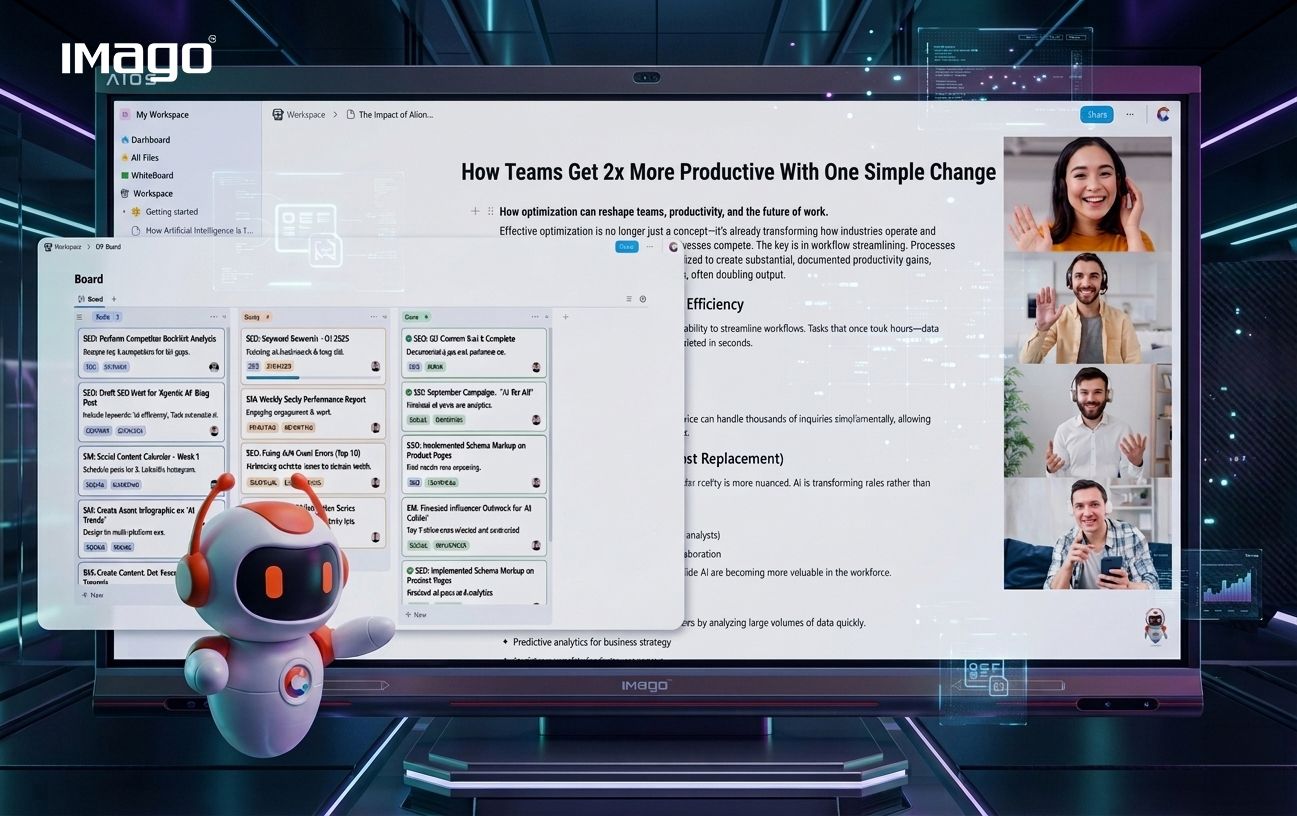
In today’s fast-paced workplace, teams are constantly under pressure to deliver more while working smarter. Yet many teams struggle with communication breakdowns, missed deadlines, and inefficient workflows that drain productivity. What if one simple change could double your team’s productivity and transform how you work together?
The secret lies in adopting a daily team communication habit—whether you call it a daily stand-up, daily sync, or quick huddle—and empowering it with a powerful all-in-one collaboration tool like Collab.
The Simple Change That Makes a Big Difference: Daily Team Syncs
Daily team syncs are short, focused meetings where team members quickly share what they accomplished, what they plan to work on next, and any obstacles they are facing. These check-ins keep everyone aligned, encourage accountability, and uncover issues early.
But the real productivity boost happens when these syncs are supported by a centralized digital workspace that combines communication, file sharing, task tracking, and collaboration features—all in one place.
Why Collab Is the Ideal Workspace for Daily Team Syncs
Collab is designed to bring all your team’s essential tools together, eliminating the need to jump between multiple apps. Here’s how Collab enhances daily syncs and overall productivity:
1. Unified Communication
With video conferencing, and notifications integrated into one platform, Collab keeps conversations streamlined and easy to follow. During daily syncs, this means quick verbal updates backed by written notes and shared files, all accessible in one place.
2. Real-Time Collaboration
Collab lets teams co-author documents, update project boards, and leave comments in real time. This means progress updates during syncs are not only shared verbally but reflected visually and transparently for the whole team.
3. Intelligent File Sharing
No more endless email threads or lost attachments. Collab’s file management makes it effortless to upload, organize, and share documents instantly during meetings or asynchronously.
4. Work Progress Tracking
Integrated task boards and project dashboards let everyone see the status of assignments live. During syncs, blockers can be flagged immediately, and task updates are captured in the same workspace, keeping momentum going.
5. Support for Remote and Hybrid Teams
Collab’s cloud-based design ensures every team member, wherever they are, can join meetings, contribute to documents, and collaborate on projects seamlessly.
How to Implement Daily Syncs with Collab for Maximum Productivity
-Schedule a consistent daily sync time using Collab’s calendar features to build routine.
-Create a dedicated sync channel or space where notes, files, and task updates are centralized.
-Update task boards and project progress live during the meeting to maintain transparency.
-Save meeting notes and action items directly in Collab for easy follow-up.
Final Thoughts
Boosting your team’s productivity doesn’t require complex overhauls or costly software stacks. Often, the simplest change—holding regular, focused daily syncs—combined with the right collaboration platform like IMAGO Collab is enough to unlock tremendous gains in efficiency and teamwork.
Start small, stay consistent, and watch your team’s productivity soar.