Flowcharts Can Do WHAT? Top 6 Features Most Teams Don’t Know Exist
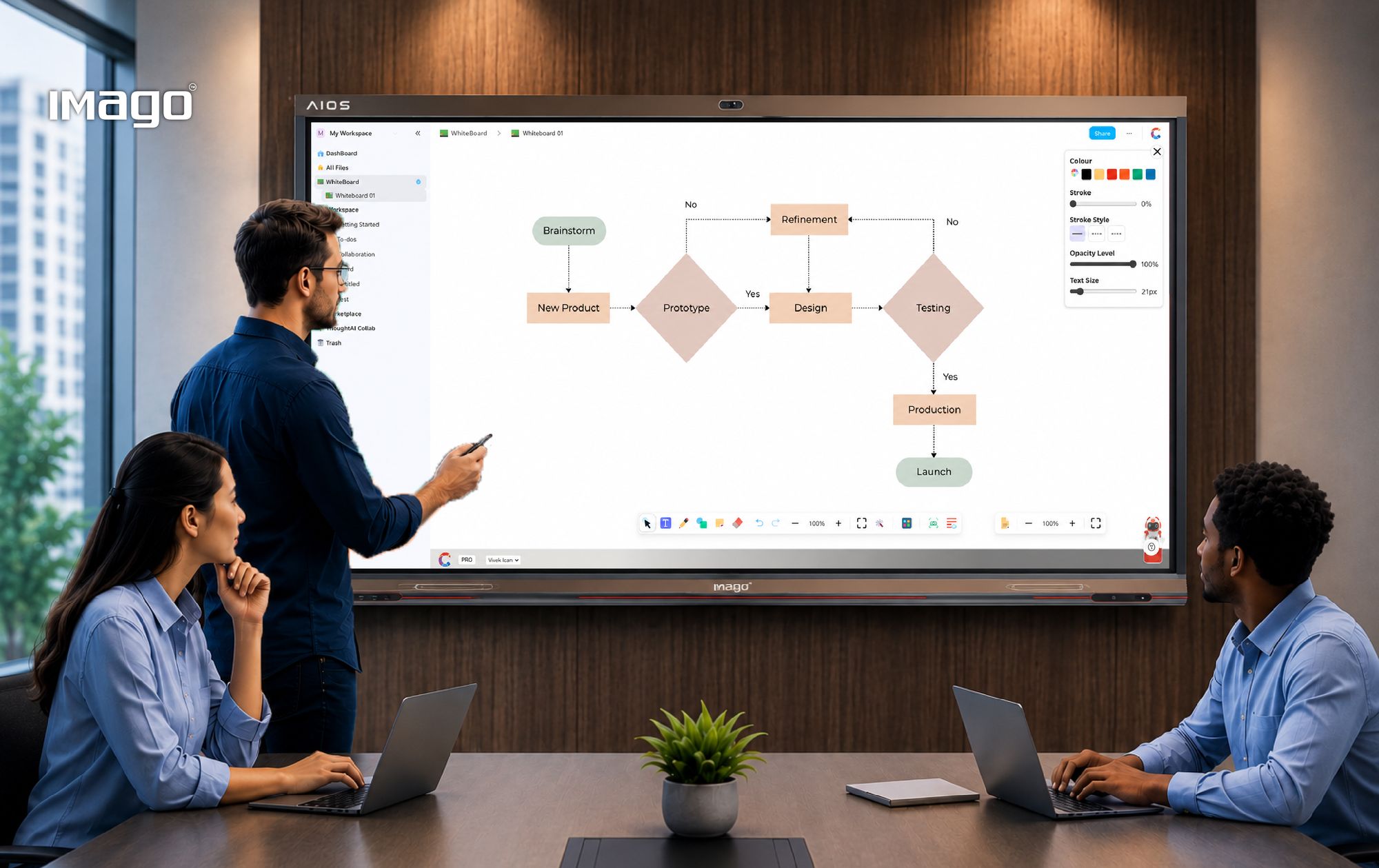
When most people think of flowcharts, they picture simple boxes connected by arrows. But modern flowchart tools have evolved far beyond that. Today, they are a dynamic, interactive tool that helps teams plan, collaborate, and execute all in one place.
The biggest shift? Everything now happens within the same workflow. No switching between tools. No jumping between platforms. Just one connected environment where ideas move from planning to execution seamlessly.
Here are Top 6 flowchart features that are transforming how teams work:
1. Edit and Update Workflows Instantly
Business processes rarely stay the same for long. New requirements emerge, responsibilities shift, and projects evolve. Modern flowchart tools allow users to edit text, update process steps, add new nodes, or remove outdated ones without rebuilding the entire diagram from scratch.
This flexibility enables teams to keep workflows current and accurate, ensuring everyone is always working from the latest version.
Why it matters:
- Faster updates to processes
- Reduced confusion from outdated diagrams
- Better adaptability to changing business needs
2. Customize Your Flowcharts for Better Clarity
Not all workflows are created equal. Different projects require different levels of detail and organization.
With customizable flowcharts, teams can:
- Change node shapes
- Modify connector lines
- Apply color coding
- Organize information visually
Color-coded workflows, for example, can help distinguish departments, priorities, approval stages, or project statuses at a glance. The result is a workflow that is easier to understand and faster to navigate.
3. Collaborate in Real Time
Traditional flowcharts are often created by one person and shared later. Modern teams need a more collaborative approach.
Real-time collaboration allows multiple team members to contribute simultaneously, whether they are in the same office or working remotely from different locations.
Instead of waiting for feedback cycles, teams can brainstorm, refine ideas, and make decisions together in one shared workspace.
Why it matters:
- Faster decision-making
- Better team alignment
- Improved collaboration across departments and locations
4. Use AI to Understand Complex Diagrams
As workflows become more detailed, understanding complex diagrams can become challenging.AI-powered features can help by analyzing flowcharts and providing clear explanations of processes, workflows, and relationships between different stages.
This makes it easier for new team members to understand existing workflows and helps stakeholders quickly grasp complex processes without extensive training.
If users don’t fully understand a diagram, they can simply use AI within the same workspace to explain it instantly without switching tools or leaving the flowchart.
Why it matters:
- Simplifies complex workflows
- Accelerates onboarding
- Improves knowledge sharing across teams
5. Break Language Barriers with AI Translation
Global organizations often work across multiple regions and languages.
AI translation capabilities allow teams to translate flowchart content instantly, making workflows accessible to everyone regardless of their preferred language.
Instead of recreating diagrams manually, organizations can communicate processes consistently across international teams.
Why it matters:
- Supports global collaboration
- Improves communication across regions
- Reduces translation effort and errors
6. Eliminates Constant Tool Switching
Most teams document workflows in one platform and store meeting notes, feedback, and project documentation elsewhere. This creates information silos and forces users to switch between apps, wasting time and risking lost context.
Modern digital workspaces let you embed flowcharts directly into documents or link supporting notes and files, creating a single source of truth.
Conclusion
Flowcharts are no longer just tools to map processes. They’ve become active workspaces where teams can build, collaborate, document, and improve workflows in real time. Instead of switching between multiple tools, everything now happens in one connected flow. This is exactly what IMAGO Solutions enables.
With IMAGO All-In-One Workspace, flowcharts are part of a unified enterprise workspace—where teams work on one canvas, use AI to understand complex diagrams, and keep every process, update, and decision in one place.