Block-Based Editor vs. Traditional Documents: What’s the Difference?
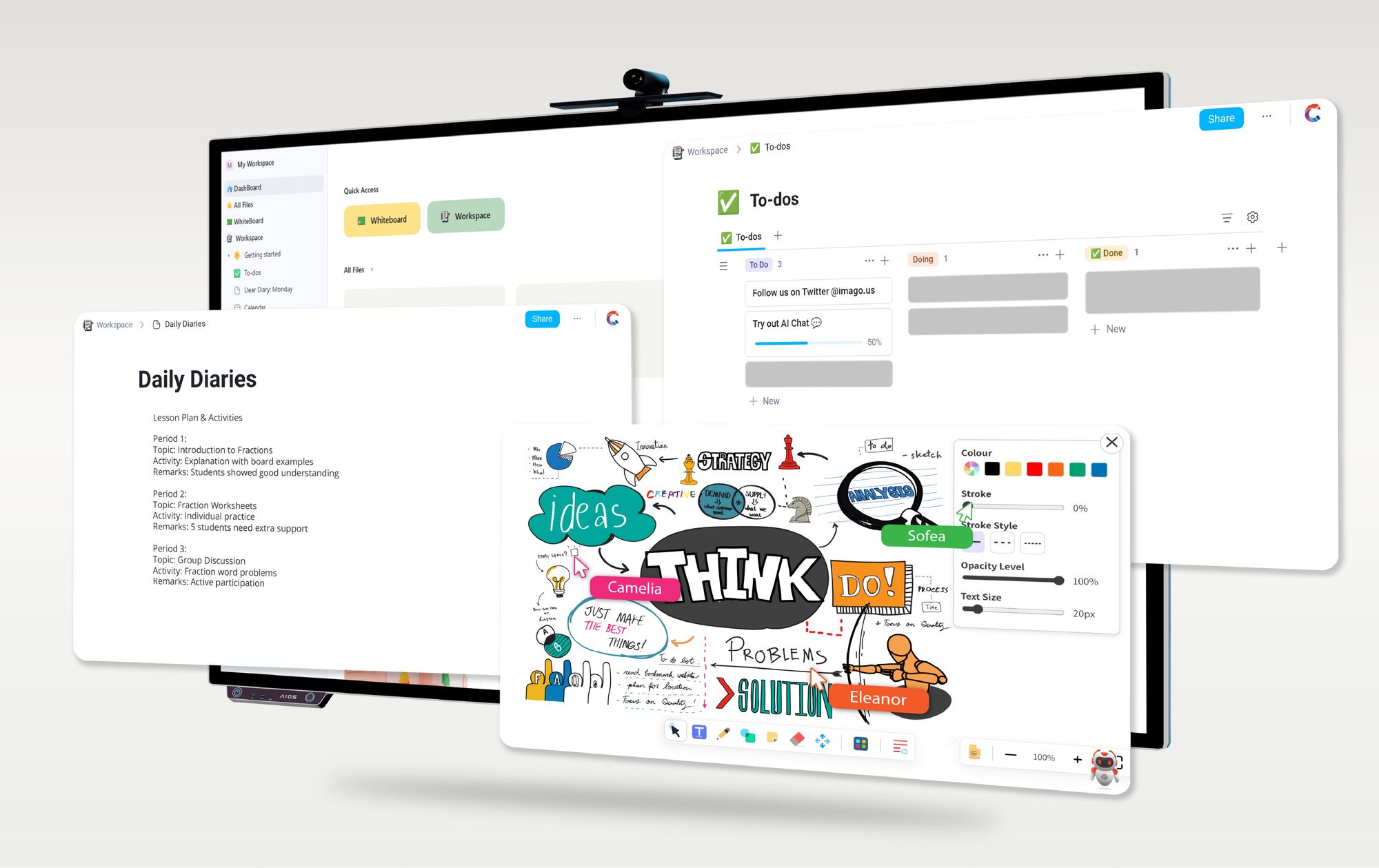
In the modern workplace, how we create, manage, and collaborate on documents is evolving rapidly. Two fundamentally different approaches to document editing are emerging: the traditional linear document and the block-based document. Understanding the difference between these two can help teams and knowledge workers choose the right tools to boost productivity, collaboration, and flexibility.
In this article, we’ll explore what sets block-based editors apart from traditional documents, why this matters, and how this shift is transforming the way we work.
What Are Traditional Documents?
Traditional documents are the familiar files you’ve been using for decades—think Microsoft Word, Google Docs, or PDF files. These documents are structured as long, linear streams of text and media that flow from beginning to end. Editing these documents means working on a continuous page where content is fixed in a sequential order.
Scenario: The Classic Meeting Agenda
Imagine preparing a meeting agenda in Word. You’ve carefully typed out all the points, only to have someone request that the last item moves to the top. Suddenly, you’re cutting, pasting, and reformatting, hoping nothing breaks. Meanwhile, colleagues can’t edit simultaneously without creating version conflicts.
Linear documents get the job done, but the process is rigid, error-prone, and slow when multiple contributors or media types are involved.
What Are Block-Based Documents?
Block-based documents break content down into individual “blocks”—discrete, self-contained units of text, images, tables, or other media. Each block can be independently edited, moved, duplicated, or deleted without affecting the surrounding content.
Think of it like building with LEGO bricks instead of carving a sculpture out of a single block of stone. Blocks can be rearranged easily and combined in different ways to create flexible, dynamic documents.
Scenario: The Flexible Project Plan
Now imagine creating a project plan using a block-based editor like IMAGO Collab. Each task, deadline, or resource is its own block. When the project scope changes, you simply drag and drop the blocks to reorganize the plan. Team members can collaborate on different blocks simultaneously without worrying about overwriting each other’s changes, and you can embed videos, code snippets, or relevant files directly into individual blocks for richer context.
The result? A living document that evolves smoothly with your project.
Key Differences Between Block-Based and Traditional Documents
Why Block-Based Documents Matter for Modern Work
Adapt to Change Quickly
Projects, strategies, and priorities shift all the time. Block-based editors let you rearrange and update content on the fly without complicated reformatting or risking document corruption.
Enhance Collaboration
Multiple people can work on different parts of a document simultaneously without overwriting each other. Comments and edits stay focused on relevant blocks, reducing confusion.
Improve Content Reusability
Blocks can be reused across documents and projects. For example, a company policy block can be embedded in various manuals without duplication, ensuring consistency and saving time.
Support Richer Content
Block-based documents can incorporate various media types seamlessly—videos, code snippets, interactive charts—making documents more engaging and informative.
Boost Productivity with AI
AI-driven suggestions, summaries, and smart drafting work best when content is modular. Block-based documents allow AI to analyze and assist on specific blocks, improving accuracy and relevance.
When Might Traditional Documents Still Make Sense?
While block-based editors like IMAGO Collab offer powerful flexibility and collaboration, traditional linear documents remain relevant in certain scenarios:
-Simple, concise communication: For brief letters, memos, or one-off reports where collaboration is limited and content structure is straightforward.
-Legacy-dependent industries: Sectors such as legal, publishing, or finance often rely on standardized formats and strict formatting requirements that are easier to handle in traditional documents.
-Offline compatibility needs: When editing must occur on systems without internet access or on older software platforms, traditional documents ensure accessibility and reliability.
Conclusion: Choosing the Right Tool for Your Team
The shift from traditional linear documents to block-based modular workspaces reflects a broader change in how we approach knowledge work. While traditional documents offer familiarity and simplicity for straightforward tasks, block-based editors like IMAGO Collab provide the flexibility, collaboration power, and intelligent features that modern teams need to thrive.
If your work involves complex projects, frequent collaboration, or rich, varied content, embracing block-based documents can transform your productivity and creativity. Ready to experience the future of document editing? Explore how IMAGO Collab’s block-based editor can revolutionize the way your team creates and collaborates today.