All-In-One Workspace vs Multiple Apps: Which Is Better?
In today’s digital work environment, most professionals rely on multiple apps to get things done. One for documents, another for spreadsheets, presentations, a whiteboard for brainstorming, and another tool for communication.
But as workflows become more complex, a key question keeps coming up:
Is it better to use multiple apps or switch to an all-in-one workspace?
This article breaks down the differences and explains why more individuals, teams, and educators are moving toward all-in-one knowledge workspaces, such as Collab.
What Is an All-In-One Workspace?
An all-in-one workspace is a unified software environment where multiple productivity functions—such as document editing, data organization, visual planning, and collaboration—exist within a single platform. Instead of switching between separate tools, users work within a single, connected system where content, context, and collaboration remain intact.
Collab is an example of an all-in-one knowledge operating system that combines:
• Document editing
• Visual whiteboarding
• Databases & project boards
• Journals, wikis, and mind maps
• AI-powered assistance
• Offline-first, privacy-focused storage
The Hidden Cost of Using Multiple Apps
1.Constant Context Switching
Every time you switch apps, your brain has to reload context. Studies consistently show that context switching reduces focus, increases errors, and slows decision-making. Instead of thinking about your work, you’re thinking about where your work lives.
2. Fragmented Information
When documents, tasks, discussions, and visuals live in separate tools, information becomes disconnected. Important context is often lost.
3.Version and Access Issues
Managing versions, permissions, and ownership across multiple platforms can become complex, especially for teams.
4.Higher Costs and Management Overhead
Multiple subscriptions, integrations, and updates increase both financial and administrative burden.
Advantages of an All-In-One Workspace:
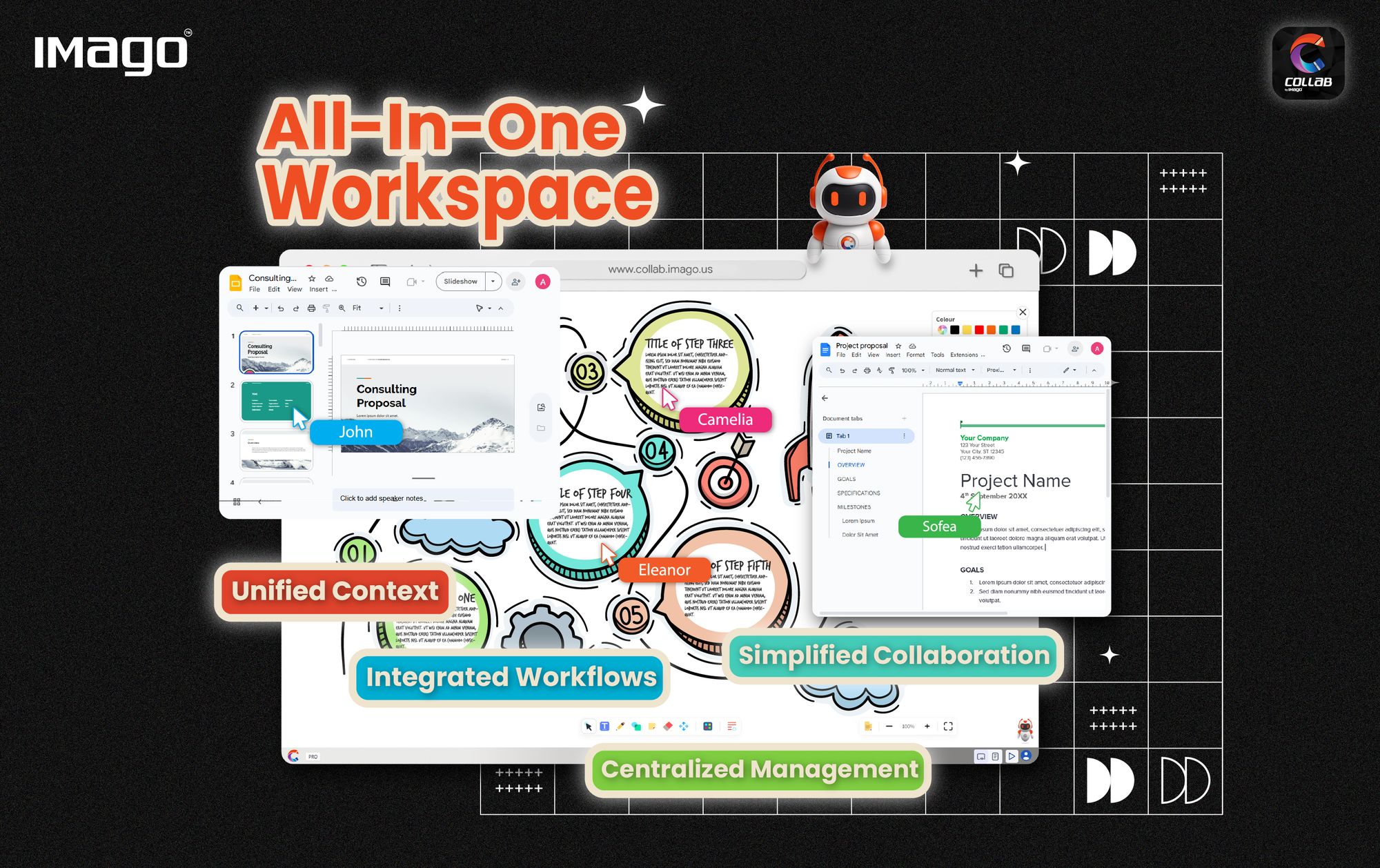
1.Unified Context
All content exists in one environment, allowing users to move between tasks without losing focus or information.
2.Integrated Workflows
Documents, visuals, tasks, and data can reference and support one another, creating a more coherent workflow.
3.Simplified Collaboration
Collaboration happens directly within the workspace, reducing duplication and miscommunication.
4.Centralized Management
One platform means fewer logins, fewer updates, and simpler access control.
5.Stronger Privacy & Data Control
Unlike many cloud-only platforms, Collab uses a local-first architecture. Your data stays on your device by default. Cloud sync is optional and fully controlled by the user—ideal for businesses, educators, and privacy-conscious professionals.
The Path to Unified Efficiency
The strategic choice in the modern digital era favors unified efficiency. While the Multiple App Suite offers specialized depth, its cost in terms of context switching, data fragmentation, and administrative overhead is often too high. The All-in-One Knowledge Operating System represents the definitive solution, offering robust functionality, superior security, and truly frictionless collaboration. By cutting software costs and providing a seamless environment where knowledge capture is immediate, and context is preserved, Collab and similar platforms are not just improving productivity, they are redefining it.